Hero blocks for Payload CMS
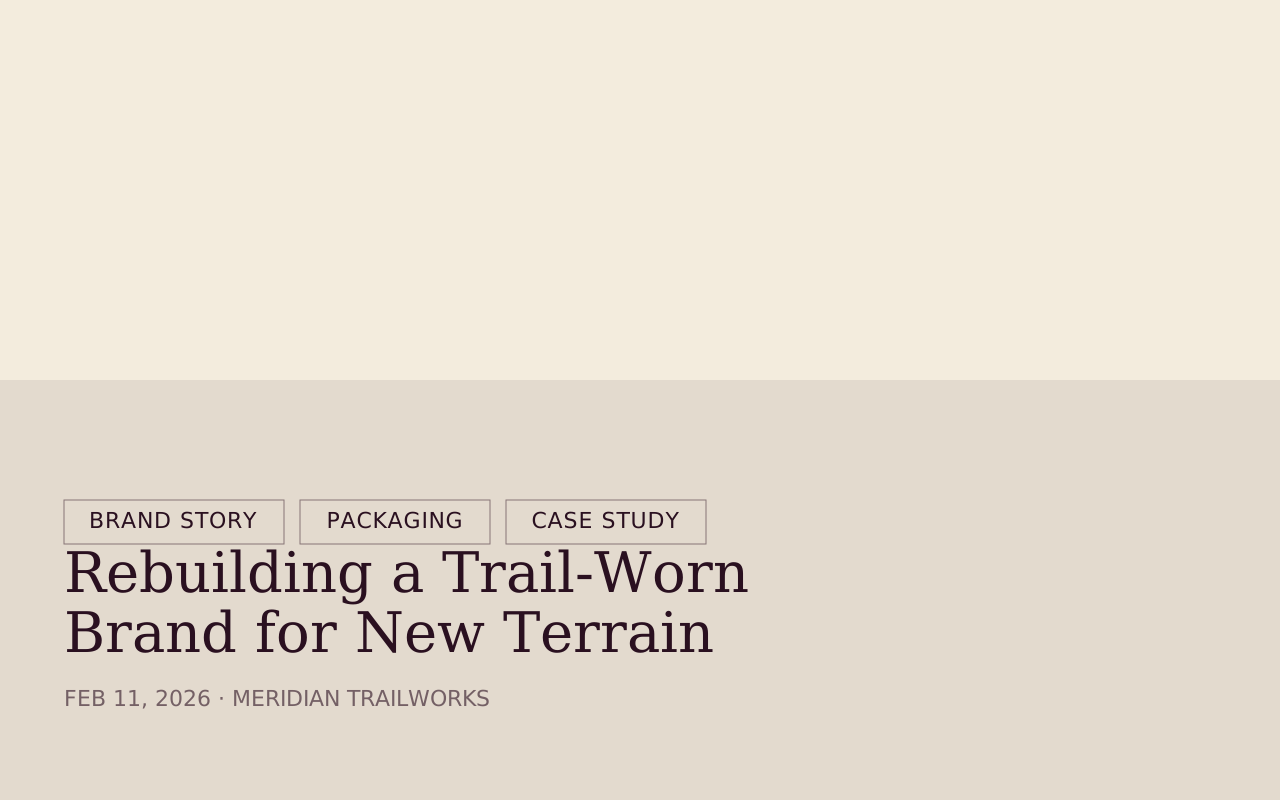
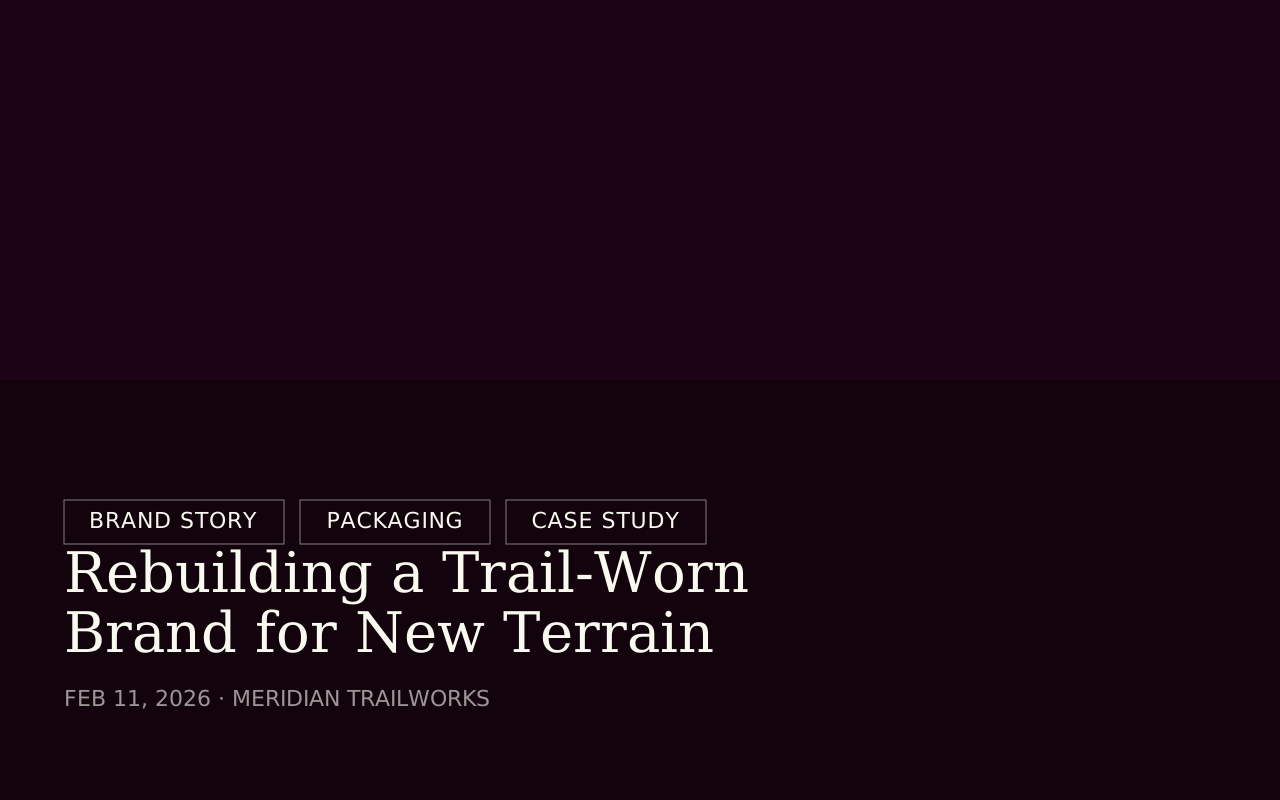
Tome has 14 hero blocks for Payload CMS, from landing page openers and article headers to campaign and video heroes. Four are free, and all of them install into the Payload project you already have.


Add one to your Payload project
You need a Payload 3 and Next.js app, a free account and an install token. The get-started guide covers the token and the .npmrc lines.
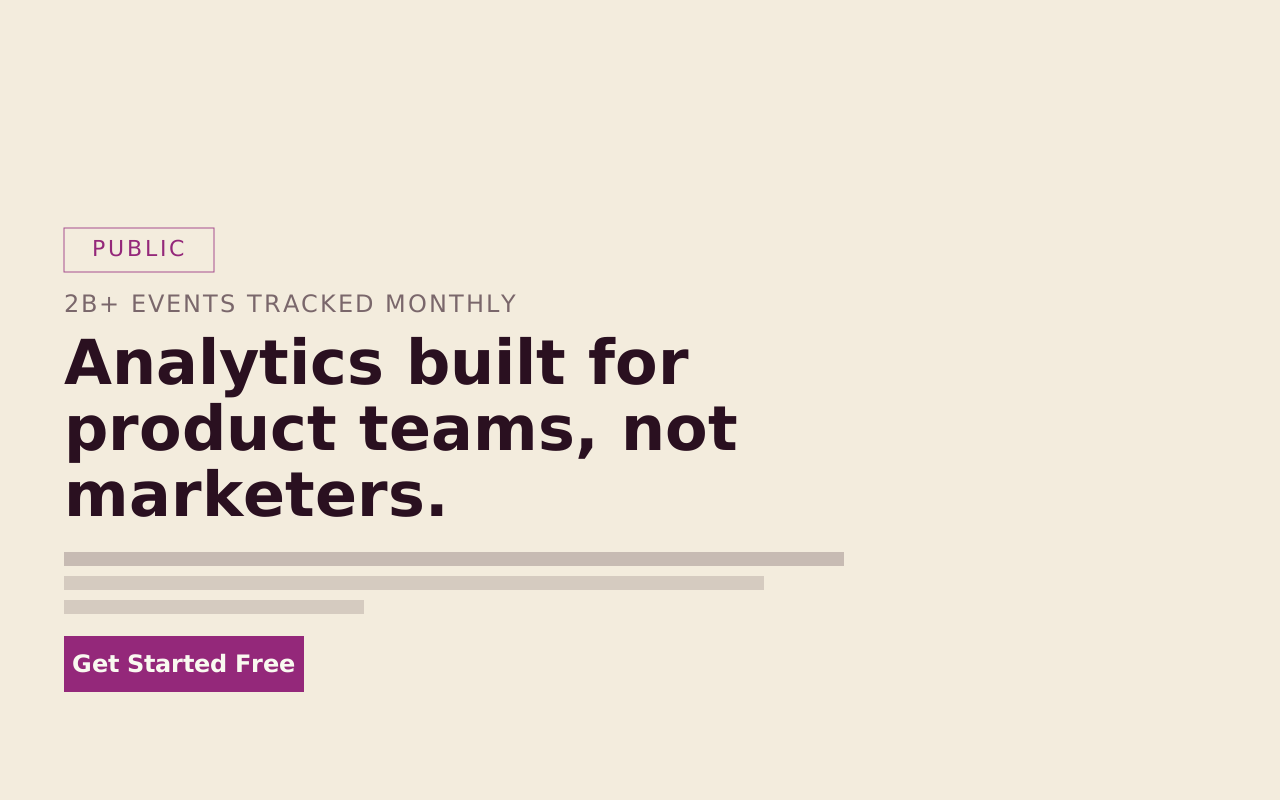
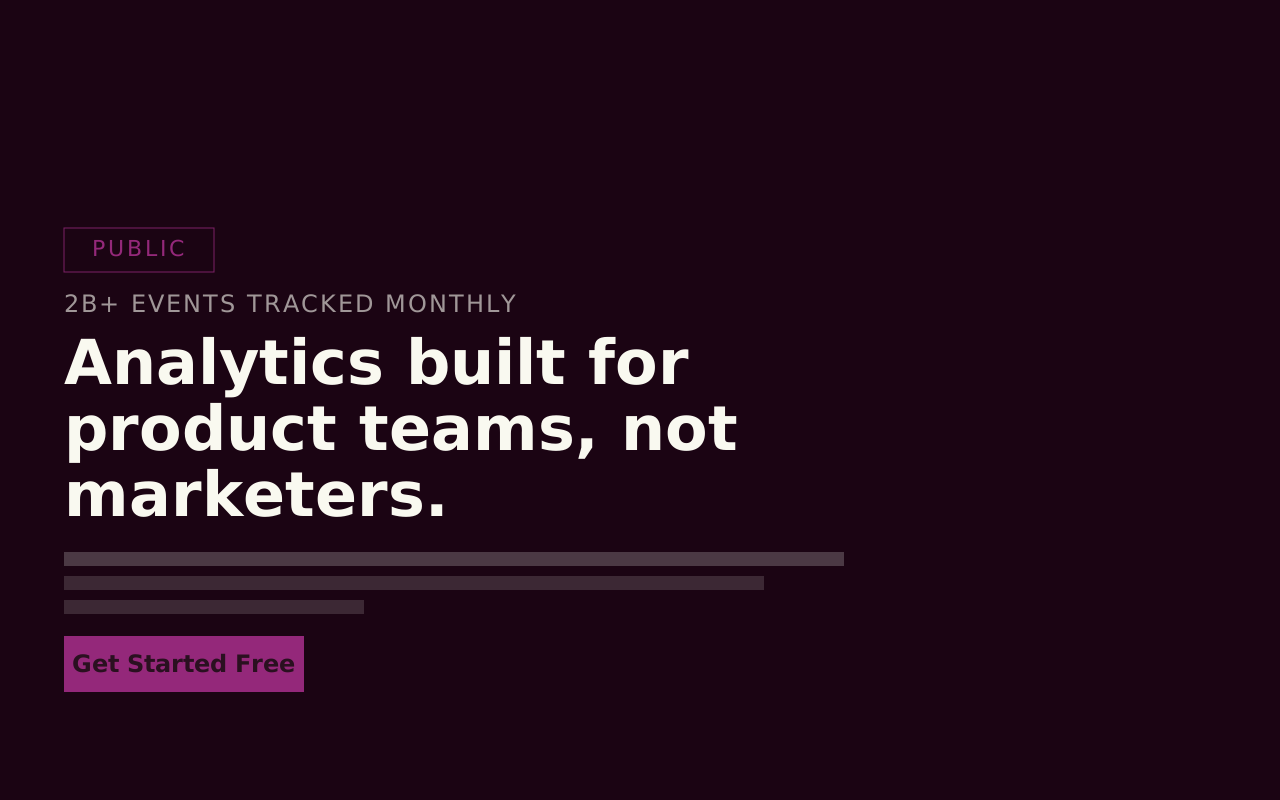
High Impact Hero is in the free Marketing Starter pack. Paid packs install the same way once your token covers them.
Install the pack
npm install @wabbit/tome-blocks-marketing-starterLoad the design tokens
One line in your global CSS. Without it the blocks render unstyled.
@import '@wabbit/tome-blocks-core/styles.css';Add the block to a field
Put it in your Pages collection's blocks field, next to the blocks you already have. Run
payload generate:typesafterwards so your generated types know about the new block.import { highImpactHeroBlock } from '@wabbit/tome-blocks-marketing-starter' // in your Pages collection: { name: 'layout', type: 'blocks', blocks: [...existingBlocks, highImpactHeroBlock.block()], }Render it on the Tome grid
import { renderers } from '@wabbit/tome-blocks-marketing-starter/render/register'
import { adaptRenderersForPayload, RenderBlocks } from '@wabbit/tome-blocks-core/render'
import gridStyles from '@wabbit/tome-ui/grid'

const blockComponents = {
  ...yourExistingComponents,
  ...adaptRenderersForPayload(renderers),
}

<RenderBlocks
  blocks={page.layout}
  components={blockComponents}
  gridClassName={gridStyles.grid}
/>
Only if the project has never installed from our registry
Sign up at /signup (no card). Then go to Account, Credentials, claim the free license and generate your key in the same card. Add this to the project's .npmrc:
@wabbit:registry=https://npm.wabbit.com/And this to your user-level ~/.npmrc:
//npm.wabbit.com/:_authToken=YOUR_TOKEN_HEREQuestions about hero blocks
- Do these work with my existing Payload project?
- Yes. Tome blocks are npm packages that install into a Payload 3 and Next.js app you already have, next to the blocks you already use. npm installs the two packages every pack depends on, and you add one line of CSS to load the design tokens.
- Can I try a hero block before I pay?
- Yes. Four of the 14 are in the Marketing Starter and Content Writer packs, which are free with an account and no card. Every install from our registry uses a token, free packs included, so you’ll need a free account to generate one.
- Which hero should I start with?
- For a landing page, High Impact Hero: it is free, covers most openers with five variants, and its usage notes put it first on the page. For an article, Editorial Opener and Post Hero are free too. Hero Pro and Custom Hero, both in the paid Extras pack, suit pages where the type or the image carries the opening (Hero Pro) or that need one of 13 layouts (Custom Hero).
- How many hero blocks does a page need?
- One. The usage notes for High Impact Hero place it as the first block on a landing page and say a page has exactly one.
Start with the free packs.
Create a free account, generate an install token, and add a pack to the Payload project you already have. There is no card and no trial.
The Craft Library is $250 a year and adds every paid pack with full source. If you stop, what you installed stays yours.
- Free: Marketing Starter and Content Writer, 19 blocks, no card.
- Craft Library, $250 a year: every paid pack and theme, full source, scoped install tokens.
- Single packs, $49 once: for the packs sold on their own.